
And the next of Lisa Bardot‘s mini tutorials! Recently I signed up for a Procreate digital art workshop in Algarve, Portugal with this lovely American illustrator in May. How exciting! And in preparation for it, she suggested we follow her 4-week tutorial, Kick Start with Procreate. And what useful tips did I pick up from that. Although she starts from the very basics, we quickly learn and cover areas that even I myself had never discovered earlier! And this one involves creating a retro analog effect on our painting with with a filter called Chromatic Aberration. Who would have known this was possible on Procreate!
Merging Colors
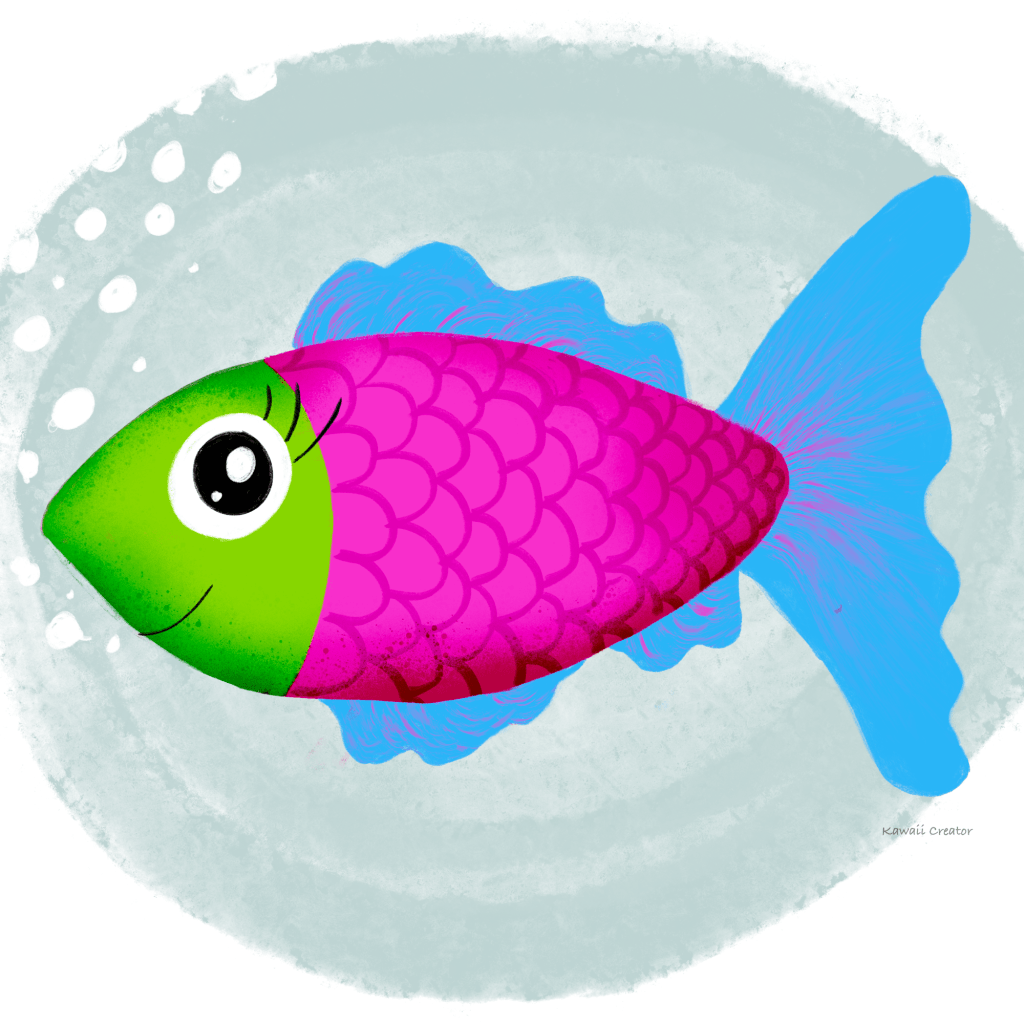
Today we went for a fish! Never painted one this elaborate which made it all the more challenging and intriguing. First we drew the fish starting with simple shapes like an oval and triangle before eventually developing into a fish. I decided to make my tails and fins all cute and wavy and the eyes huge with lashes and a smiley face! Started with separate layers for the body, head and one for the fins and tail to color my fish and add shading on the body. This time, we learned about the Smudge tool (finger icon on the right) which came in handy for the pink streaks on the blue tail and fins. The layers were firstly merged together to enable the pink from the body be blended onto the blue. A useful tip suggested by Lisa is to duplicate all the layers first before merging just in case you are unhappy with the results afterwards.
Chromatic Aberration
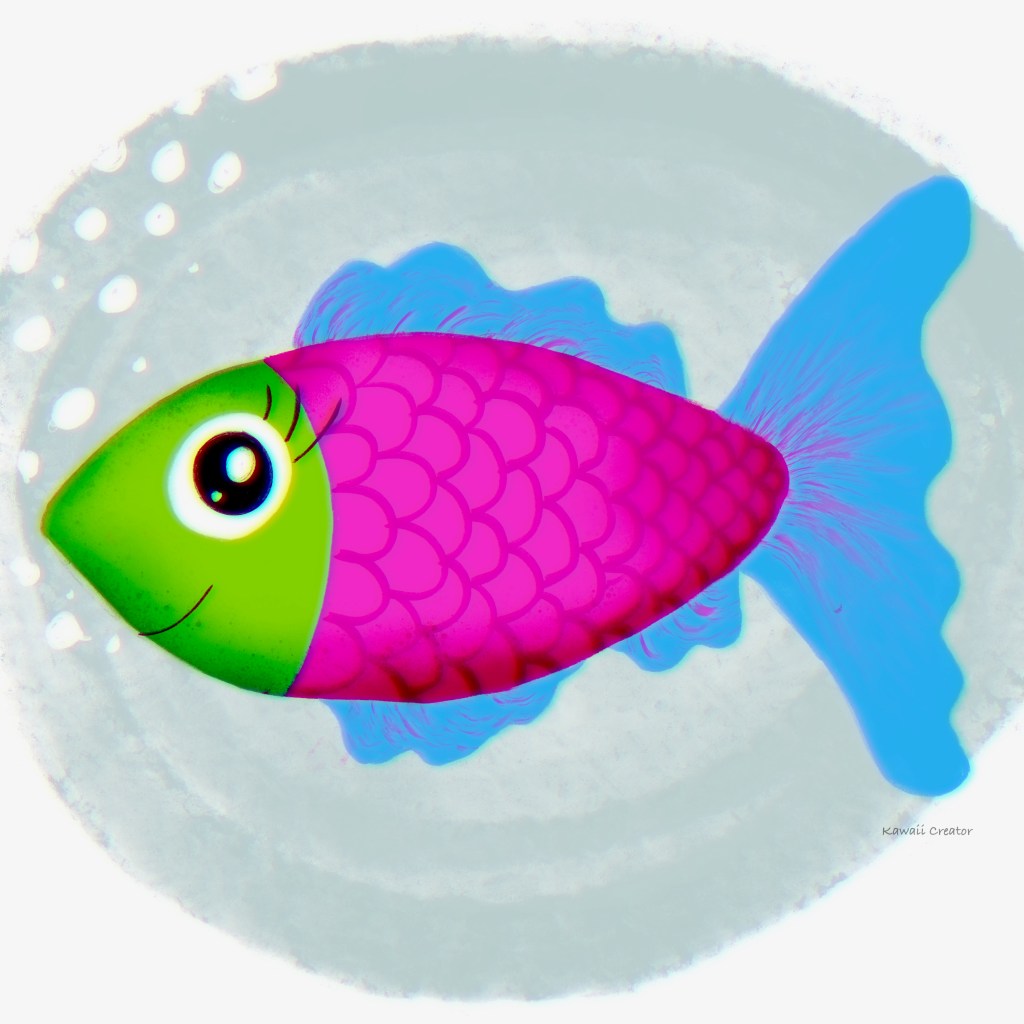
Finally when done, we can now apply the Chromatic Aberration filter on the Adustments menu after selecting all the layers and duplicating each and merging those duplicates together. And what exactly is chromatic aberration? Otherwise known as color fringing, it refers to an optical distortion when the camera lens is unable to converge all the light wavelengths at the same point, thereby causing unnatural color outlines, typical in analog photography. How cool and oh so retro is that! Do you now see a difference especially on the outlines and even the lashes?
Now that was an inspiring session! Both the color merging and chromatic aberration are totally new to me. Always good to discover the unexpected! And I would definitely like to repeat these both in my future digital artwork, creating more kawaii…


