
What fun it was attending Lisa Bardot‘s painting and Procreate workshop in Portugal last week! One of the interesting things we learned was designing some Portugese Azulejos tiles, typically adorned in and outside buildings. How exciting! As per my last blog, Lisa had us create paper cut-outs to illustrate the concept of radial symmetry, the basis of these tile designs. The next step is to apply that digitally on Procreate!
Radial Symmetry
And what exactly is radial symmetry, you ask? This is when the shapes are arranged around a central axis as opposed to bilateral symmetry where the halves would be identical to each other through a single line. A handy Procreate tool in fact makes this possible via the Drawing Guide menu to allow a variety of symmetry types including radial. And for this purpose, Lisa introduced us to her set of brushes created by herself called Ceramic Glaze. All we have to do is draw random shapes on one corner which would then mirror themselves on all other corners, thereby radial symmetry. How cool is that! And the brushes are amazing, totally emulating the glassy texture of ceramic tiles. Can’t wait to try out more!

Multiplying the Tiles
Once we are happy with the tile design, it is time to duplicate them! It will now look like rows and columns of your own tiles on the wall. And how to do this? It is simple. First set to “Snapping” (arrow icon) and the distance and velocity to Max and in Uniform. Then duplicate the layer so the copy appears on another corner. Merge the two layers together and duplicate in the same manner. Merge those two layers and duplicate again. Keep repeating that until you want to stop. And this is the result:
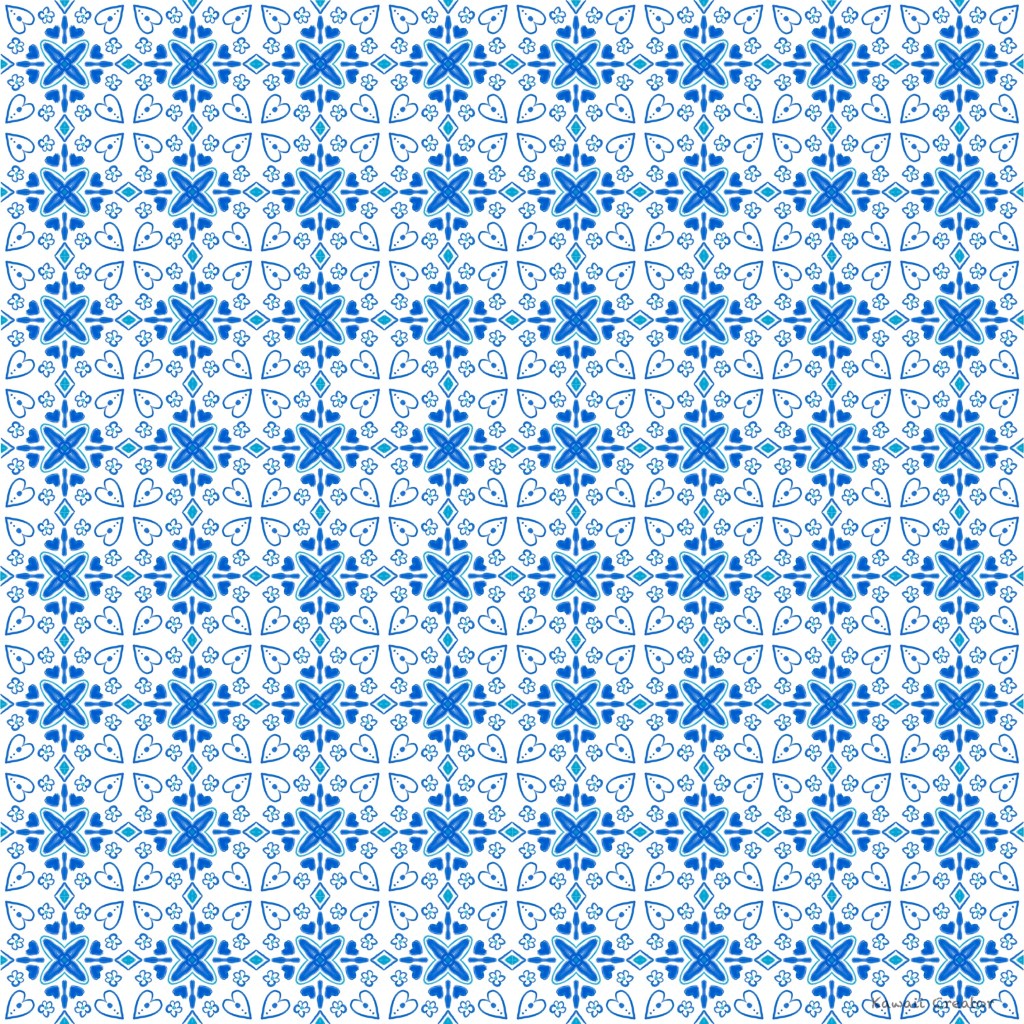
How cool is that! We all enjoyed this session and created more tiles, but this is an example of what we did. I myself have been continuing to practice and am keen on checking out more of her other brushes in the Ceramic Glaze set. Once I have the chance, I will definitely share it here of course!


1 Comment