
Some weeks ago, I made a colored pencil drawing about our short road trip to and along Grimsel Pass in Austria. Landscapes certainly have quite a variety of textures and a great potential to recreate them in paintings. It was then when I came across the idea of experimenting with my Procreate app to play around with the many possibilities!
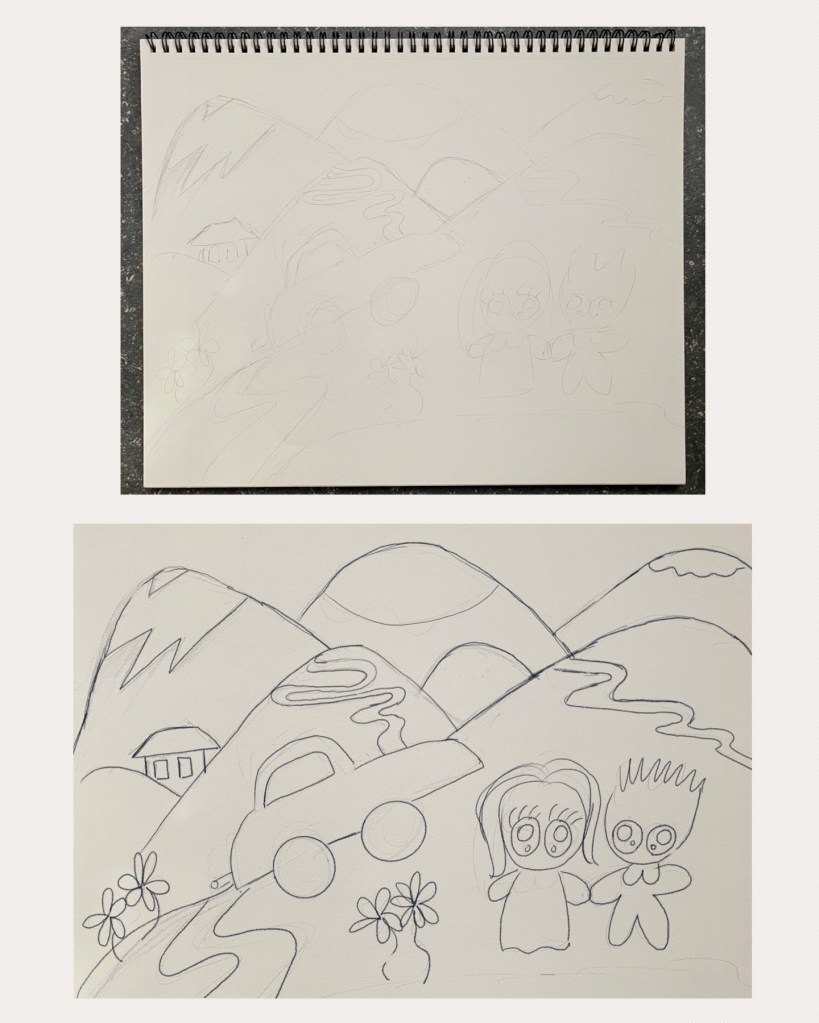
Tracing the Painting
First I imported onto Procreate the photograph of the pencil sketch from the original painting as seen in Off to Grimsel Pass. The sketch was then directly traced using the Procreate Pencil. Then I hid the imported layer so the pencil doesn’t show through. Now do you recall that colored pencil drawing?
Coloring
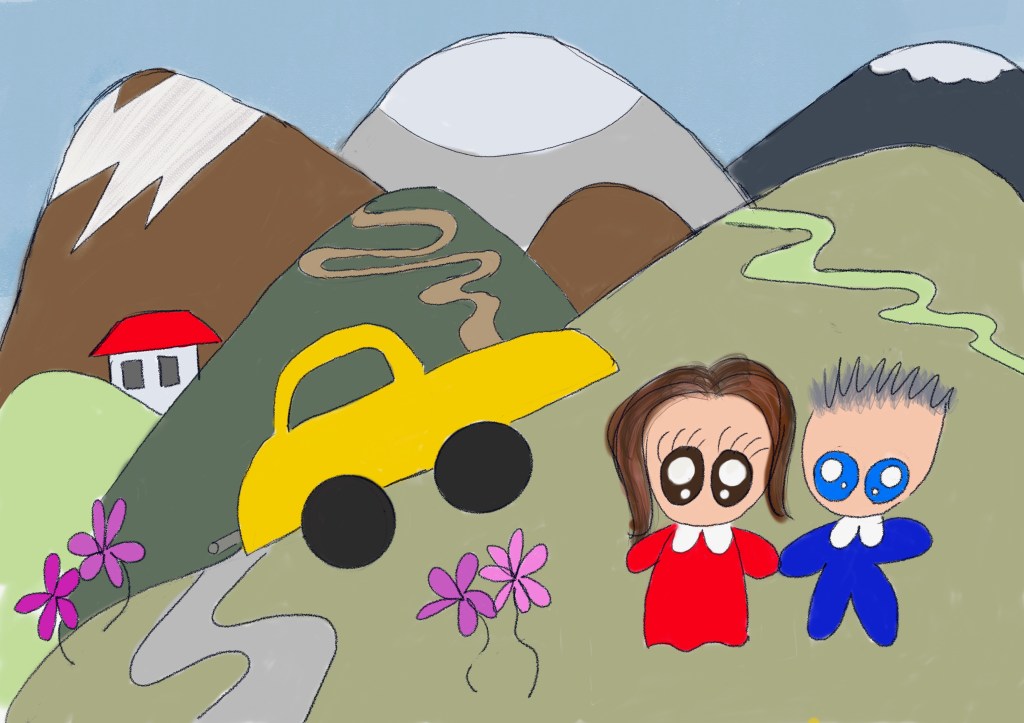
When filling in the colors, I made sure a separate layer was assigned for each shape, including each mountain and each pathway, as well as the car body and wheels and of course each of us. This comes in handy when later incorporating textures on top with clipping mask, as we shall see below.
Texture Play
And here comes the fun part! I’m very pleased about having collected a variety of texture stamps and brushes, most of which are available on Creative Market. A great opportunity to experiment with them now, especially those I have never used before, and to figure out the best ones to suit each area, particularly the mountain and the grassy ground. In addition to the textures, I also have some glitter and neon light brushes which are perfect for the car! As you notice, I refrained from introducing too much and left the flowers and the images of us alone. You don’t want to overdo it! And here we have it:
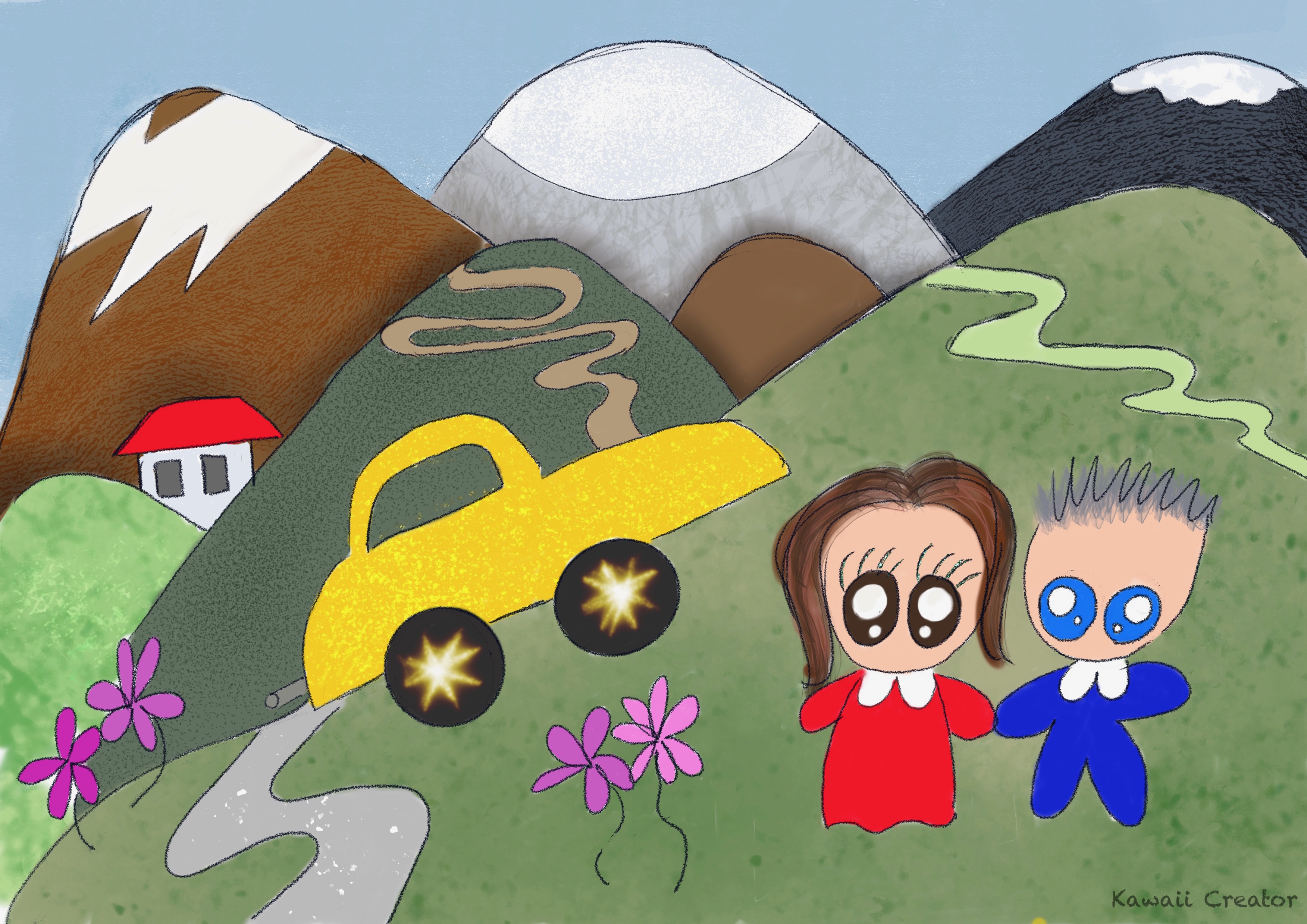
Now that was fun! Just a simple experiment with digital textures by importing an existing painting. Although the colored pencil drawing gives a softer mood, the digital version does give some edge to it. Both are wonderful in their own different ways. I am nevertheless very happy how it all turned out and might like to do something similar with some of my older paintings again!

 My Kawaii Quarter