
Recently I signed up for a Procreate digital art workshop with Lisa Bardot! That will be in less than a month and in Algarve, Portugal. How exciting! Although my knowledge of Procreate is self-taught via on-line classes, I have been searching for classes conducted in person rather than just on-line. A bit of hands-on approach with a professional artist and like-minded creators ought to further my skills more. Lisa is from the U.S. and gives on-line classes and creates her own set of brushes as well. And as a preparation for the workshop in May, she suggested following her 4-week tutorial, Kick Start with Procreate. And what useful tips did I pick up from that! Although she starts from the very basics, we quickly learn and even cover areas that even I myself had never discovered earlier! Our first week is about painting food.
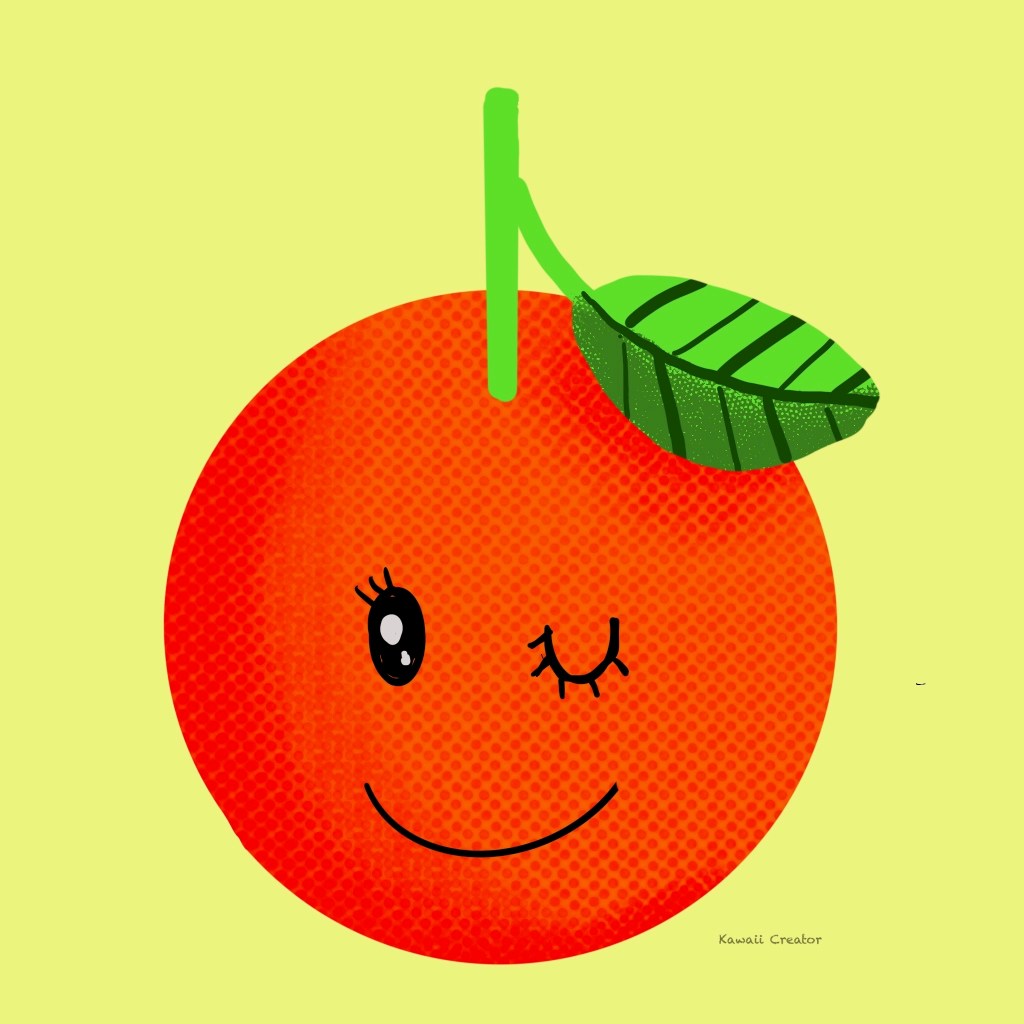
Orange
Some of the stuff I already know, but Alpha Lock was something new to me as I always relied on Clipping Mask. And who would have known about choosing colors with the Color Picker, that wheel which enables you to select colors according to hue, tint and tone. This first lesson quickly made me appreciate including shadows on objects, something I had little confidence with and now starting to pick up. As for brushes: Ihave been customarily using Medium Airbrush whereas she goes for Studio Pen. Great trying out new brushes now!
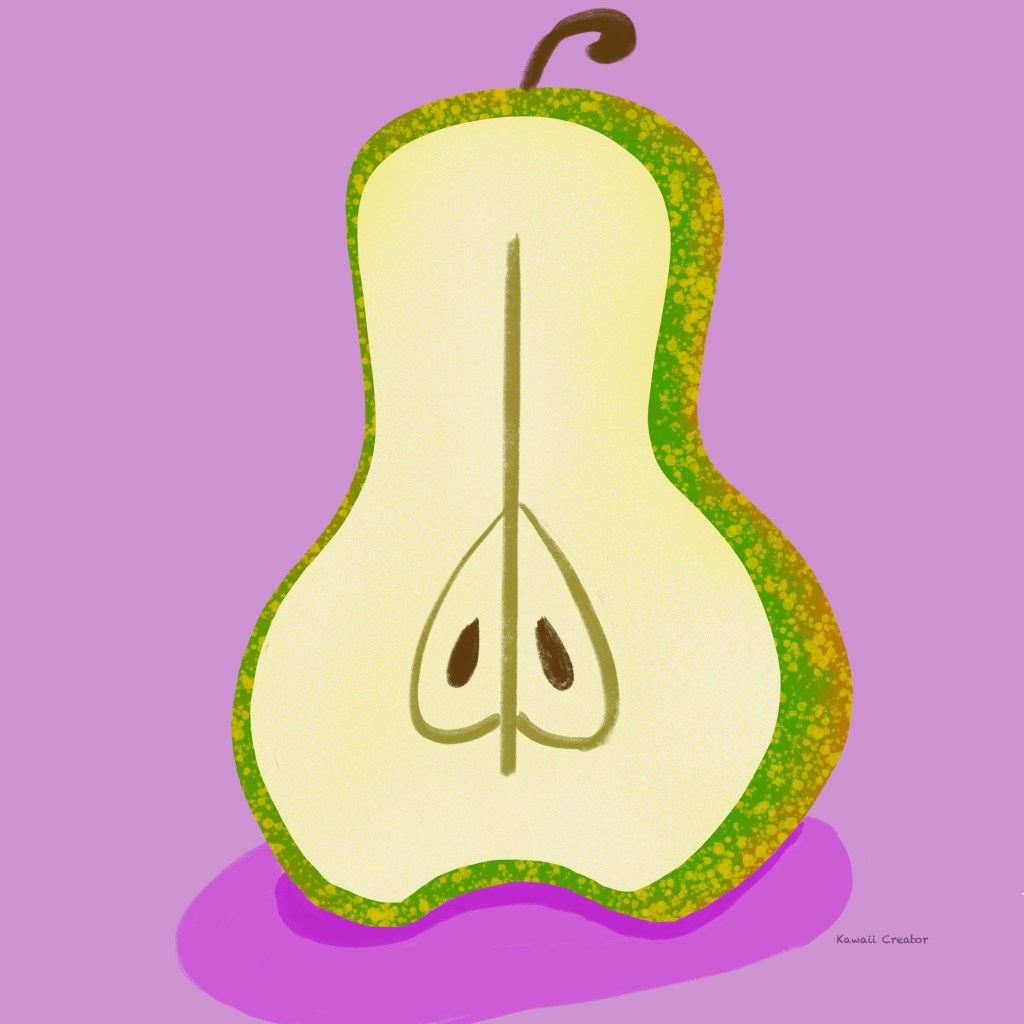
Pear
Here I learned to use the Select and Transform tool in which you can distort shapes with your pencil. Copy and paste to duplicate the pair shape then enlarging was a handy idea to make sure the peel and fruit were an identical shape. Again, practicing shading techniques came handy, and this time we also learned to create bottom shadows of the object. I am quickly learning the concept of light and shade!
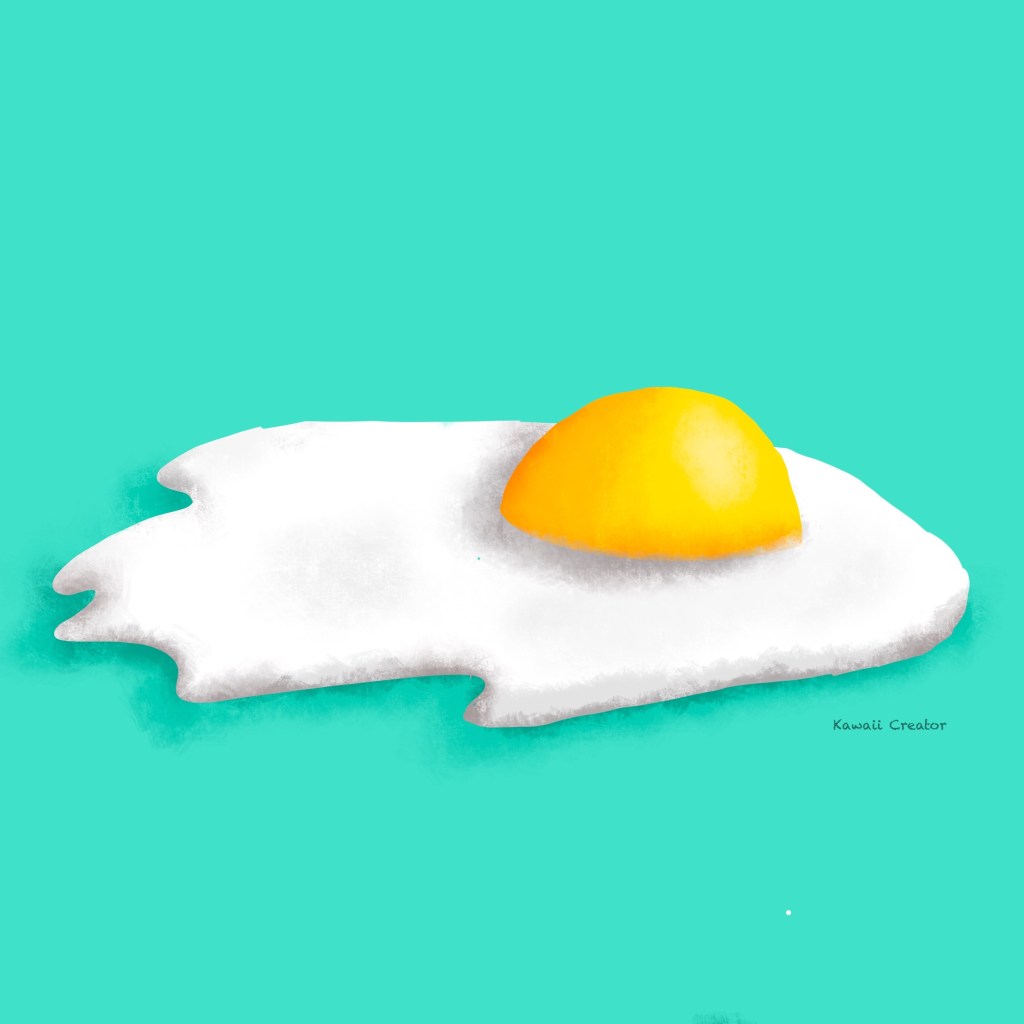
Fried Egg
In this lesson, we learn how to sketch first. Lightly using a 6B pencil, something I of course know about but I love the techniques she uses by starting with simple shapes like circles and ovals then developing the sketch into a fried egg rather than directly diving into sketching one. Another lesson on light and shade techniques to effectively give the subject dimension: A darker shade for the shadows, followed by an even darker shade on the edges. Then adding highlight. Egg looks appetizing already!
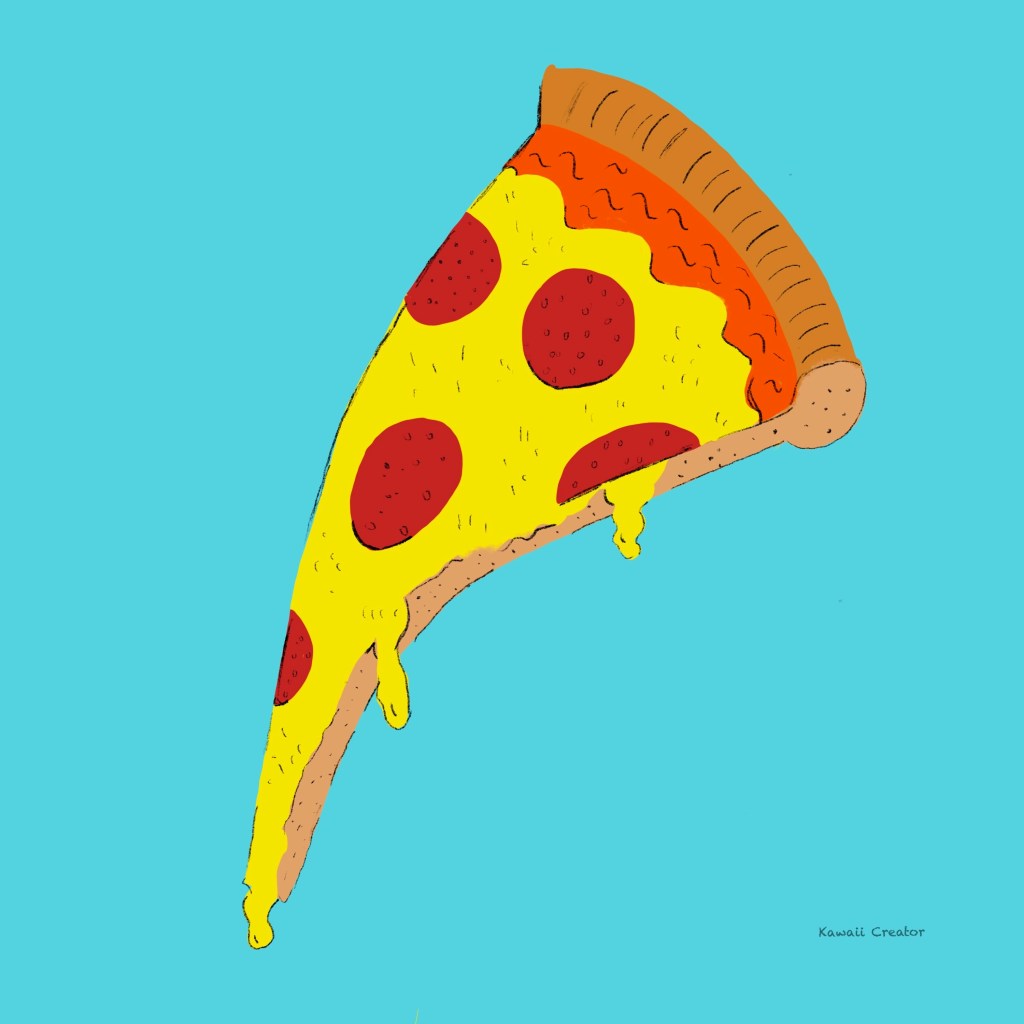
Pizza
Reinforcing what we had learned so far and now introducing new concepts. Liquify tool was a useful one to know which is behind the drooping effect of this slice of pizza. This time, we got introduced to Clipping Mask. Another interesting concept we picked up was using the 6B pencil to create volume and dimension without the use of darker colors for shading. Kind of effect you see in comics. The cheese dripping does look convincing doesn’t it? Not a pepperoni pizza fan myself but that does look mouthwatering!
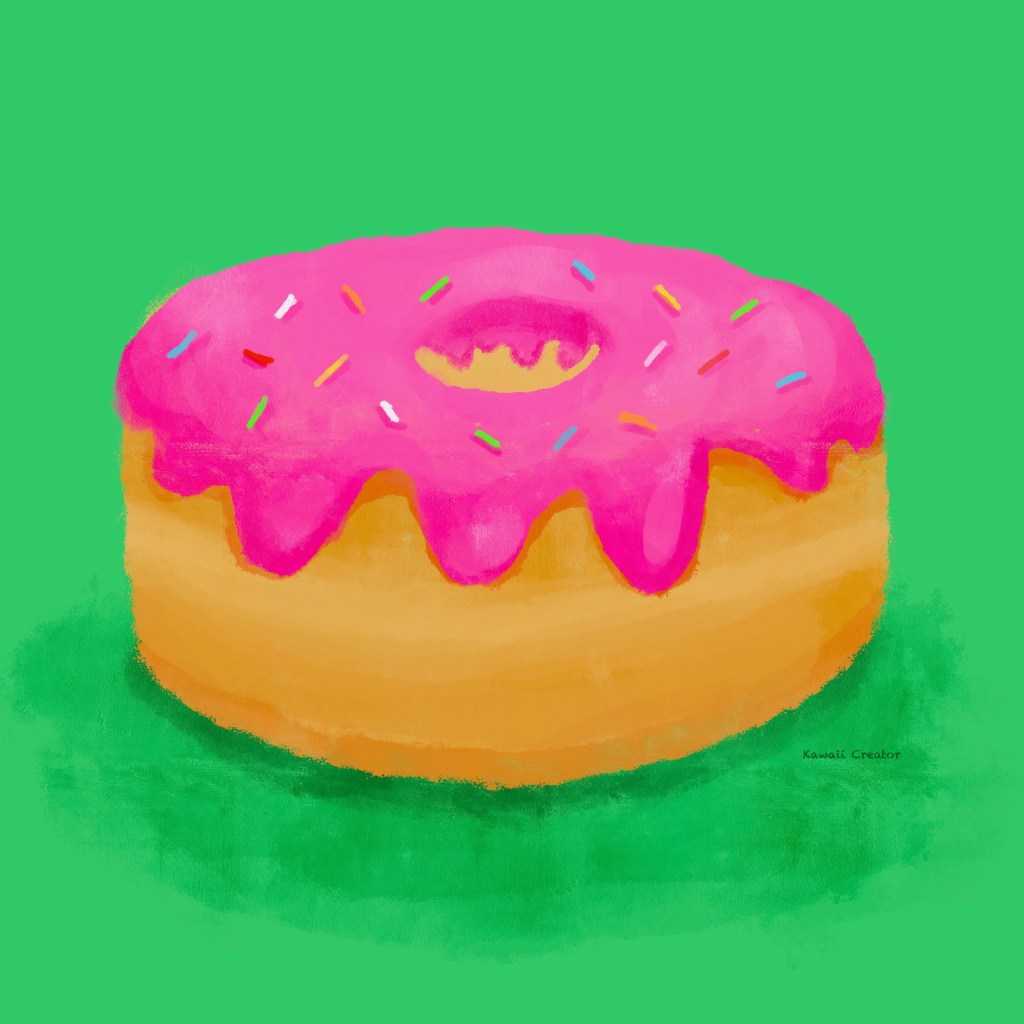
Donut
And the final subject in this unit. We learn to paint relying on a single brush! This was the Tamar brush from Procreate’s own Painting set. Now we go back to and count on colors to create an effective light and shade effect. The brush itself also provides some texture which helps. We went back to using Alpha Lock to separate the pink icing from the donut to get the shadows in the correct places. Not a fan of donuts either but I love how this one turned out. The pink looks unhealthily delicious!
What a wonderful introduction to Procreate! I have been using this app for over 6 years now, but being self-taught I always stuck to the same technique. These lessons gave me the opportunity to explore beyond my comfort zone and discover more tools! Mastering light and shade was another breakthrough as I had little confidence with it and hence hardly bothered with going into it. After a few lessons with Lisa, I am very happy to overcome my fears. What fun this was, I look forward to the next unit!

 My Kawaii Quarter